Create Stunning AI Art with Midjourney V8 Online
Generate breathtaking images powered by Midjourney V8 — the fastest and most accurate AI image model yet. Native 2K resolution, 5x faster generation, and superior prompt understanding. No Discord needed — just type, generate, and download.

50,000+ creators already using Midjourney V8
My Creations
No creations yet
Start generating to see your creations here
Midjourney V8 Parameters at a Glance
A quick reference for all key Midjourney V8 parameters, modes, and their GPU cost impact. Master these to get the most out of your V8 image generation.
Prompt Following
Superior understanding of detailed instructions — long, specific prompts yield dramatically better results.
Text Rendering
Place text in "quotes" for best-ever text rendering in AI images. Clean, readable typography.
Image Coherence
Hands, bodies, and object details are more natural and consistent than any previous version.
Generation Speed
Approximately 5x faster than V7 — the fastest Midjourney model ever released.
--hd Mode
Native 2K resolution output without upscaling. Maximum aspect ratio 4:1.
--q 4 Mode
Extra coherence and detail quality. Can combine with --hd for maximum fidelity (16x GPU).
--raw Mode
Produces cleaner, more photographic, and controllable styles. Recommended for realistic photography.
--chaos / --weird / --exp
All creative variation parameters fully supported in V8 for experimental and artistic exploration.
sref / Moodboard / Personalization
Fully backward-compatible with V7 style references. Apply your existing styles to V8 outputs.
Note: --hd, --q 4, sref, and moodboard modes each consume 4x GPU credits. Relax mode is not yet supported for these features.
Midjourney V8 vs V7 — What's Changed
A detailed side-by-side comparison of Midjourney V8 Alpha and V7. See exactly where V8 improves and what to expect when upgrading your creative workflow.
Feature | Midjourney V7 | Midjourney V8 AlphaNew |
|---|---|---|
| Generation Speed | Standard (Draft Mode up to 10x) | ~5x faster than V7 — fastest model ever |
| Prompt Accuracy | Good — solid text and image prompt handling | Significantly better — detailed instructions and small details preserved |
| Image Coherence | Excellent — major hand/body improvements | Even better — richer detail, more natural compositions |
| Text Rendering | Improved but inconsistent | Best ever — clean, accurate text with "quotes" |
| Native Resolution | Requires upscale for HD | Native 2K via --hd mode (no upscale) |
| --hd Mode | No | Yes |
| --q Parameter | Supports 1, 2, 4 | Supports 1, 4 (--q 4 for extra coherence) |
| --raw Mode | Supported | Supported — recommended for photographic styles |
| sref / Moodboard / Personalization | Enabled by default, fully compatible | Backward-compatible with V7 — apply existing styles |
| Default Aesthetic | Realistic, textured | Being refined — use --stylize 1000 + personalization |
| Max Aspect Ratio | Any ratio supported | Up to 14:1 (HD mode limited to 4:1) |
| Platform Access | Discord + midjourney.com | Web-based — no Discord required |
Data based on official Midjourney documentation and community feedback as of March 2026. V8 is in Alpha — features may evolve.
Midjourney V8 — The Fastest AI Image Generator of 2026
Experience next-generation image creation with 5x faster speed, native 2K output, and best-in-class prompt understanding
Midjourney V8 Alpha launched on March 17, 2026, and represents a significant leap in AI image generation. With dramatically improved prompt adherence, native high-resolution output via --hd mode, and generation speeds approximately 5 times faster than previous versions, Midjourney V8 sets a new standard for AI art creation. Our platform brings the power of Midjourney V8 to your browser — no Discord setup, no complex workflows. Simply describe your vision, and watch Midjourney V8 bring it to life with stunning detail, coherent compositions, and accurate text rendering.
Why Creators Choose Midjourney V8
Midjourney V8 delivers breakthrough improvements in speed, quality, and creative control. Here's what makes V8 the go-to model for professional AI image generation.
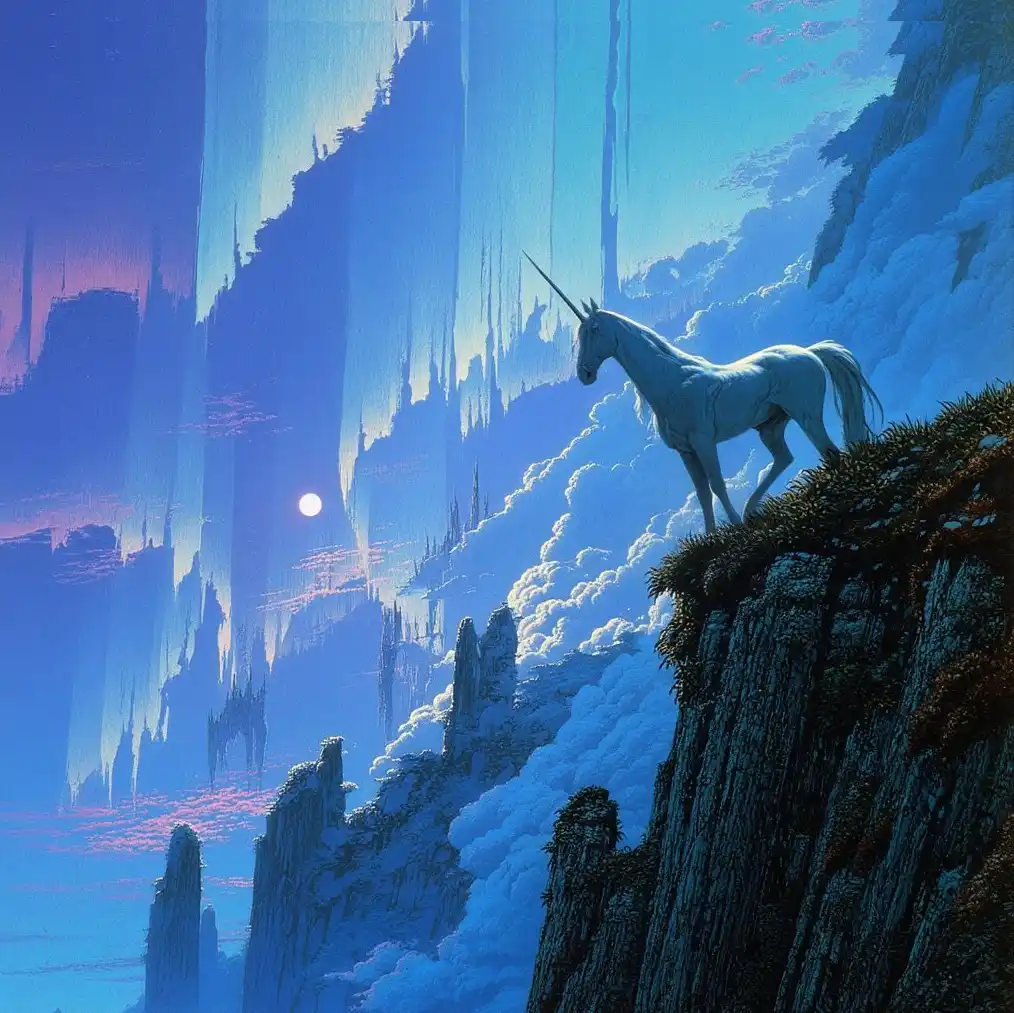
5x Faster Image Generation
Midjourney V8 generates images approximately 5 times faster than V7. What used to take 30–60 seconds now completes in seconds. This dramatic speed improvement means faster iteration, more creative experimentation, and a smoother workflow for time-sensitive projects — from client presentations to social media content.
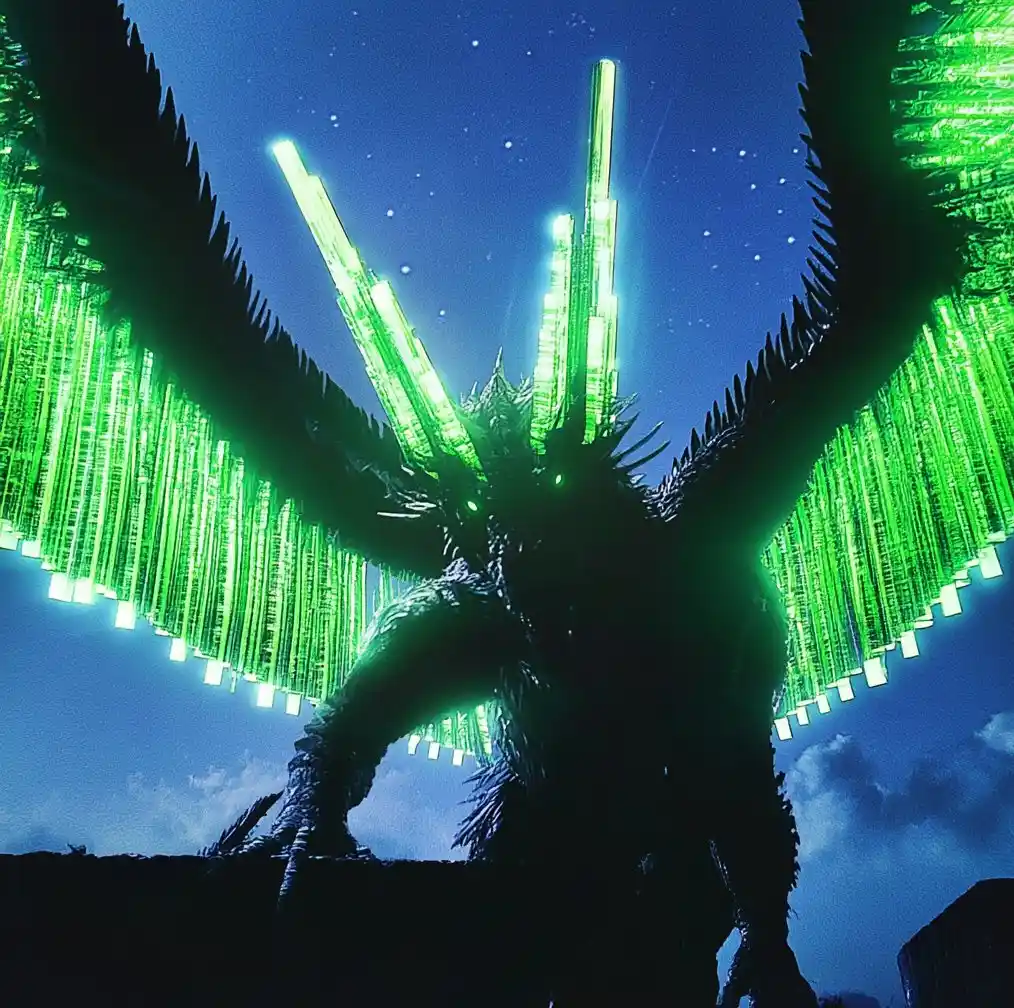
Superior Prompt Understanding
Midjourney V8 follows detailed instructions with remarkable accuracy. Long, specific prompts that describe spatial relationships, lighting conditions, and fine compositional details now produce results that closely match your intent. V8 understands nuance — specify exact camera angles, material textures, or atmospheric moods, and the output reflects what you described.
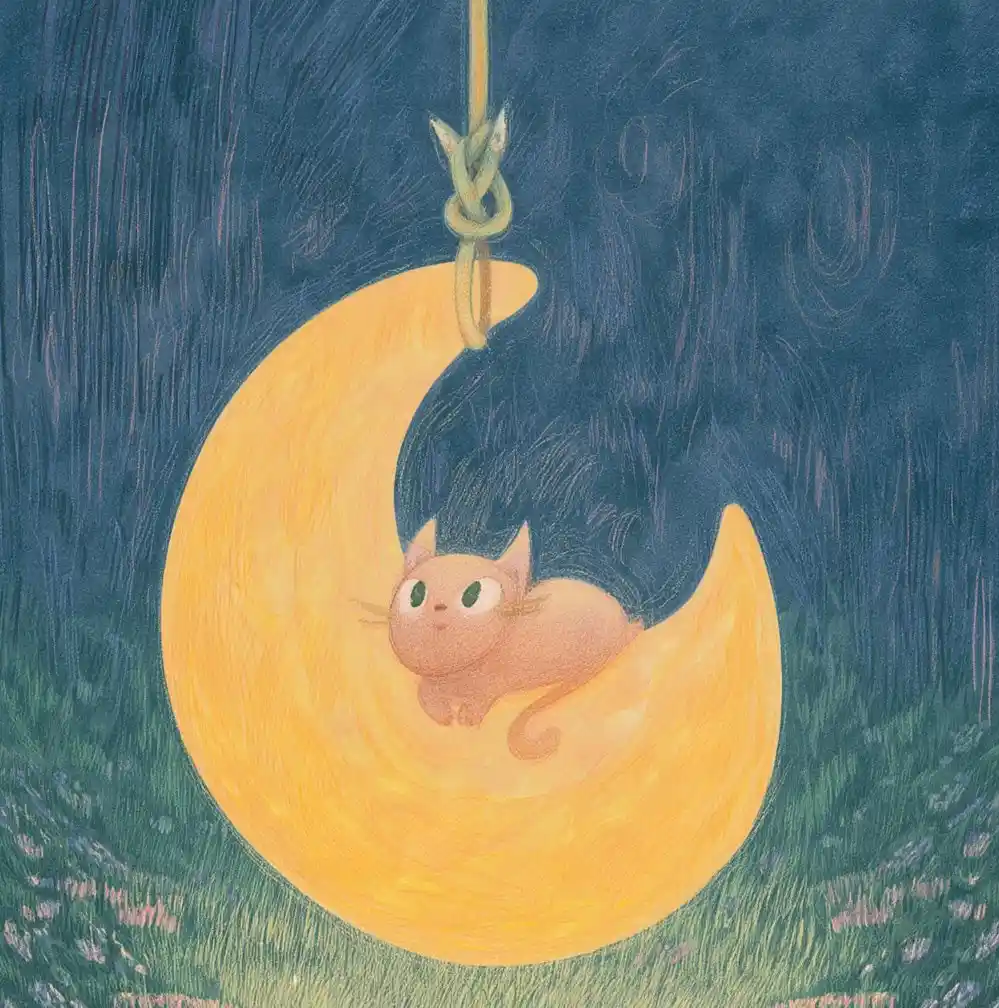
Native 2K Resolution with --hd Mode
Midjourney V8 introduces the --hd parameter for native 2K output — no upscaling needed. Generate print-ready, high-resolution images directly. Combined with --q 4 for extra coherence, you can produce images with exceptional sharpness and detail suitable for large-format displays, professional print, and premium content.
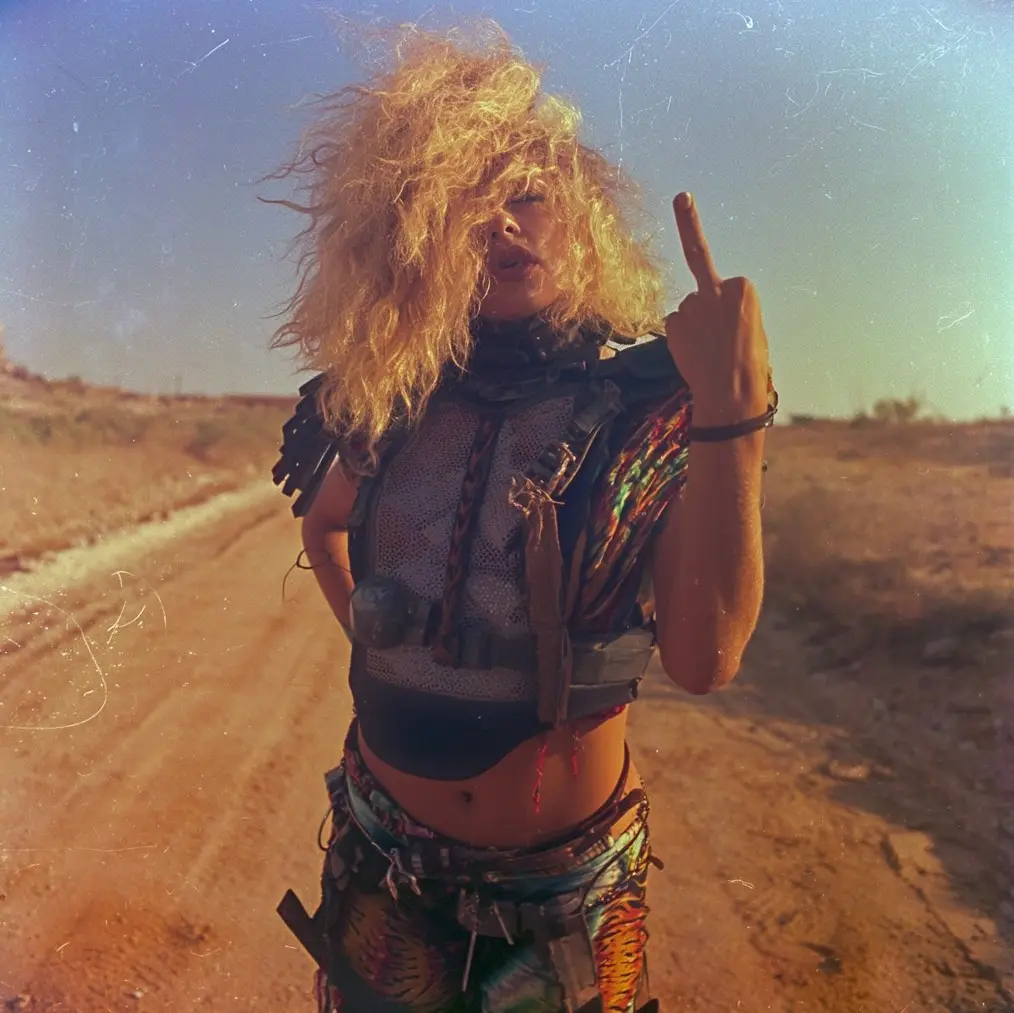
Best-in-Class Text Rendering
Text in AI-generated images has always been a challenge. Midjourney V8 changes that. Place text in "quotes" within your prompt, and V8 renders it with unprecedented accuracy — clean letterforms, consistent spacing, and proper alignment. Ideal for posters, brand mockups, signage, social media graphics, and any visual that requires readable, well-integrated typography.
How to Use Midjourney V8 on Our Platform
Generate professional AI images with Midjourney V8 in four simple steps. No Discord account needed — everything works directly in your browser.
Describe Your Vision
Type a detailed text prompt describing the image you want. Midjourney V8 excels at understanding long, specific descriptions — include lighting, camera angle, mood, and style details for best results.
Configure V8 Settings
Choose your preferred aspect ratio, resolution, and V8-specific parameters. Enable --hd for native 2K output, --raw for photographic control, or --q 4 for maximum detail coherence.
Add References (Optional)
Upload reference images to guide the style, composition, or subject. V8 supports style references (sref) and moodboards, fully compatible with your existing V7 style collections.
Generate & Download
Click Generate and receive your Midjourney V8 image in seconds. Download in high resolution, save to favorites, explore variations, or upscale for print-quality output.
What You Can Create with Midjourney V8
From commercial marketing to personal art projects, Midjourney V8 empowers creators across every visual discipline. Here are the most popular use cases.
Marketing & Social Media Content
Create scroll-stopping social media visuals, ad creatives, and promotional images. Midjourney V8's speed lets you iterate in real time during client meetings. Accurate prompt following ensures brand-consistent output every time.
Architecture & Interior Design
Generate photorealistic architectural renders and interior concepts. V8's improved coherence produces clean lines and realistic lighting. Use --raw and --hd for sharp, high-resolution design visualizations.
Posters, Signage & Typography
Design posters, book covers, and branded signage with accurate text rendering. Midjourney V8 finally handles typography reliably — just wrap your text in "quotes" for clean, readable results.
Portrait & Character Art
Create detailed character designs, portraits, and figure illustrations. V8 delivers dramatically improved hand and body coherence, making human subjects look natural and anatomically accurate.
Product Mockups & E-Commerce
Visualize product concepts and generate lifestyle photography for e-commerce listings. Combine reference images with V8's detail control for consistent, professional product visuals at scale.
Fine Art & Creative Exploration
Push creative boundaries with Midjourney V8's experimental parameters. Use --chaos and --weird for artistic surprises, --exp for novel outputs, and style references to maintain a consistent personal aesthetic.
What Creators Say About Midjourney V8
Midjourney V8 is incredibly fast — generation feels almost instant. The text rendering finally works reliably, and the overall image quality is a huge step up. This is my daily driver for social media content now.
Remi L., Digital Artist & Creative Partner
Remi L.
Digital Artist & Creative Partner
I test V8 for my beauty salon's SNS content and the lighting control is revolutionary. Midjourney V8 follows my exact prompt directions for angle, mood, and detail. Speed is phenomenal too — fastest AI image tool I've used.
Chihiro O., Beauty & Marketing Creator
Chihiro O.
Beauty & Marketing Creator
As an architect, V8's improvements in line clarity and structural detail are impressive. I used my old moodboards and the results were sharper and more realistic. The --hd mode at native 2K is exactly what I needed.
Viktor K., Architectural Visualization
Viktor K.
Architectural Visualization
V8 completely changed my workflow. The speed means I can show clients 10 variations in the time it used to take for 2. Text rendering in posters actually works now — no more post-editing typos in Photoshop.
Sarah Chen, Brand Design Consultant
Sarah Chen
Brand Design Consultant
I switched to this platform for V8 access because it's so much simpler than Discord. Just type a prompt, tweak a few settings, and download. The generation quality is excellent and I love having everything in one browser tab.
Marcus J., Freelance Illustrator
Marcus J.
Freelance Illustrator
Midjourney V8's prompt following is on another level. I describe complex scenes with multiple subjects and specific lighting, and V8 nails it. The coherence improvements mean fewer wasted generations and more usable results.
Emily Torres, Creative Director
Emily Torres
Creative Director
Frequently Asked Questions About Midjourney V8
Ready to Create? Try Midjourney V8 Online Now
Experience the speed, quality, and creative control of Midjourney V8 right in your browser. No Discord, no setup, no waiting. Start generating stunning AI images today.